
E-Mail: consulting@sinokap.com Site Link: Premium IT Outsourcing Services in China Share: Youtube Weixin Bilibili In our previous session, we provided a brief introduction to the basic framework of GPT-4.5 and explored how it achieved an “emotional leap” in the future. This time, let’s dive deeper and uncover its detailed functionalities with a video! In theContinue reading “OpenAI GPT-4.5: Unsupervised Learning, More Natural AI Interaction”
Category Archives: IT 安全
Network Maintenance Guide: Efficient IT Equipment Operation

E-Mail: consulting@sinokap.com Site Link: Premium IT Outsourcing Services in China Share: Youtube Weixin Bilibili In today’s digital era, IT equipment (such as servers, routers, switches, and PC terminals) serves as the core foundation of business operations. Network interruptions, equipment failures, or security vulnerabilities may impact enterprise productivity and even cause severe financial losses. Therefore, regular maintenance ofContinue reading “Network Maintenance Guide: Efficient IT Equipment Operation”
Skype Shutdown: Technological Revolution to the End of an Era

E-Mail: consulting@sinokap.com Site Link: Premium IT Outsourcing Services in China Share: Youtube Weixin Bilibili On February 28, 2025, Microsoft officially announced that Skype will permanently cease operations starting in May. Users can migrate their data to the Teams platform, and any unused Skype credits must be transferred within 60 days. This decision is primarily aimedContinue reading “Skype Shutdown: Technological Revolution to the End of an Era”
Next-Generation for Business: Smart Office Era-AI

E-Mail: consulting@sinokap.com Site Link: Premium IT Outsourcing Services in China Share: Youtube Weixin Bilibili Microsoft has officially launched the new Windows 11 AI+ PC Surface for Business, featuring Surface Pro for Business and Surface Laptop for Business. Both devices are powered by the latest Intel® Coreâ„¢ Ultra processor (2nd generation). Starting today, enterprise customers can chooseContinue reading “Next-Generation for Business: Smart Office Era-AI”
Oxidized Case-Network Device Configuration Backup Tool

E-Mail: consulting@sinokap.com Site Link: Premium IT Outsourcing Services in China Share: Youtube Weixin Bilibili For modern enterprises, network device configuration management is no small matter. A minor configuration error could lead to network outages or even disrupt business operations. So, is there a way to make configuration management smarter and more efficient? The answer isContinue reading “Oxidized Case-Network Device Configuration Backup Tool”
Twitter Source Code Leak: Lasting Impact and Security Measures

E-Mail: consulting@sinokap.com Site Link: Premium IT Outsourcing Services in China Share: Youtube Weixin Bilibili On March 27, 2023, foreign media reported that a legal document revealed that portions of Twitter’s core source code had been leaked online for several months. Upon discovery, Twitter swiftly took action, issuing a copyright infringement notice to the developer communityContinue reading “Twitter Source Code Leak: Lasting Impact and Security Measures”
微信小程序在电脑上打不开怎么办?只需打开兼容模式就好啦~

微信小程序在电脑上打不开怎么办?只需打开兼容模式就好啦~ E-Mail: consulting@sinokap.com Site Link: Premium IT Outsourcing Services in China Share: Youtube Weixin Bilibili 当您的微信小程序(WeChat Mini App)在电脑端无法打开时,大家可以直接右键桌面微信的快捷方式,点击“属性”,找到“兼容性”,然后勾选“以兼容模式运行这个程序”,并选择“Windows 8”系统,最后点击”应用“,就可以正常在电脑端打开小程序了。 解决电脑端微信小程序无法打开的操作步骤 1、右键桌面的微信快捷方式,点击最下方【属性】。 2、上方找到【兼容性】,勾选【以兼容模式运行这个程序】,下方选择【Windows 8】。 结论 按照这些简单的步骤,您就可以在电脑上成功运行微信小程序。如果遇到其他问题,请尝试更新或重新安装微信。更多IT支持和解决方案,请关注Sinokap! 本期目录 What We Provide IT Outsourcing Service Managed IT Service IT Infrastructure Services Office Move & Relocation Network Optimization VPN Service Support Data Recovery & Erase ServerContinue reading “微信小程序在电脑上打不开怎么办?只需打开兼容模式就好啦~”
无法浏览网页?Sinokap教您高效排错!
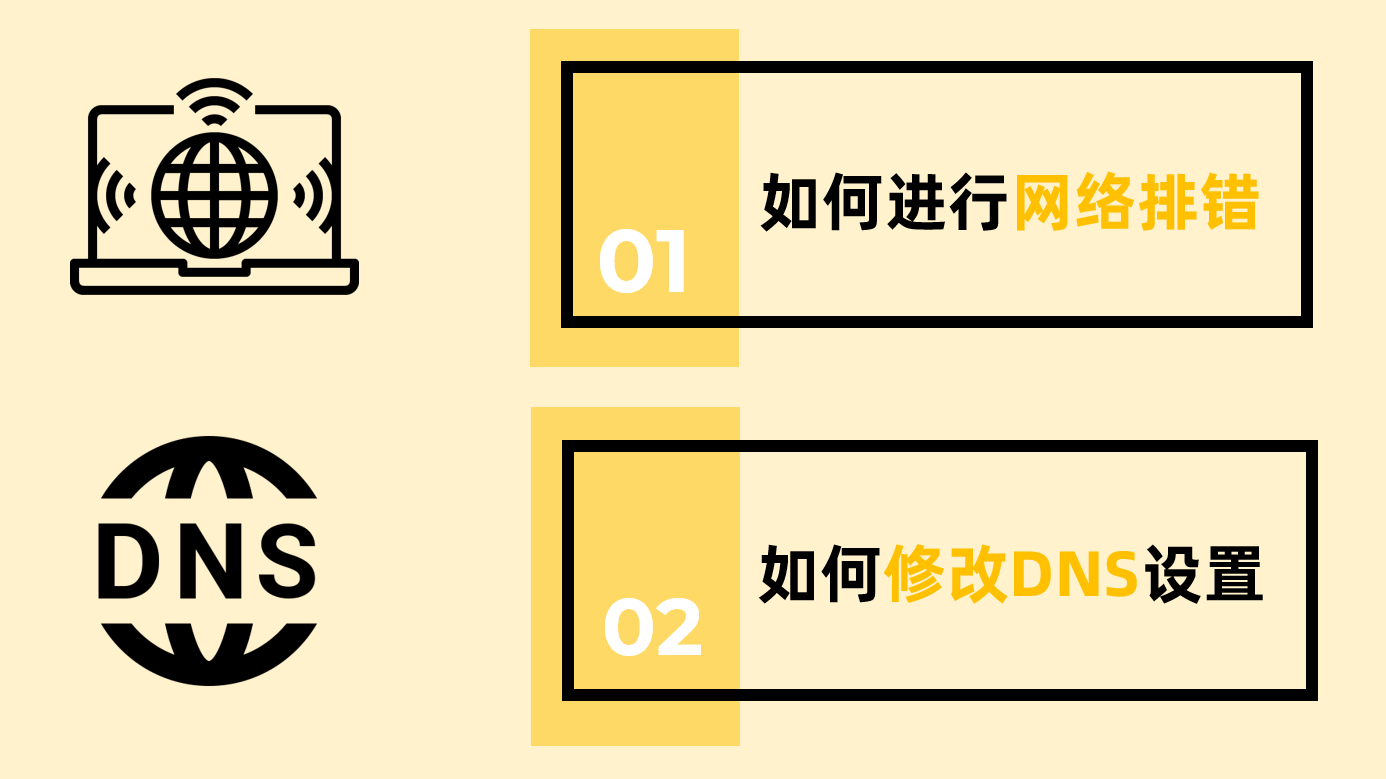
E-Mail: consulting@sinokap.com Site Link: Premium IT Outsourcing Services in China Share: Youtube Weixin Bilibili https://videos.files.wordpress.com/JEsE9esw/network-troubleshooting-steps-and-how-to-change-the-dns-address.mp4 有时候经常会有用户反应突然无法正常浏览网页,消息也不能及时的发送。这其中会有许多原因,今天Sinokap就为大家介绍其中三个常见的原因,并分别提出了解决方案。 视频的最后,我们还为大家讲解了修改DNS服务器地址的具体操作步骤。 网络排错步骤 1. 浏览器或应用程序的问题(Browser or application issues) ✅ http://www.baidu.com 2. DNS设置错误(DNS Setting) ❌ http://www.baidu.com ✅ 114.114.114.114 3. 网络或路由器的问题(Network or router) ❌ http://www.baidu.com ❌ 114.114.114.114 在电脑上更改 DNS 服务器 1、点击桌面右下角网络连接图标,点击【网络和Internet设置】。 2、下方点击【更改适配器选项】。 3、找到您的网络连接,无线选择“WLAN”,有线选择“以太网”,右键点击【属性】。 4、选中“Internet协议版本4(TCP/IPv4)”,点击【属性】。 5、勾选【使用下面的DNS服务器地址】,并在“首选DNS服务器”后,输入“114.114.114.114”,然后点击【确定】。 注释:“114.114.114.114”是一个公共的DNS服务器地址(Public DNS Address),您也可以去网上自行查找其他地址输入。Continue reading “无法浏览网页?Sinokap教您高效排错!”
在Windows,如何查看本机IP地址
E-Mail: consulting@sinokap.com Site Link: Premium IT Outsourcing Services in China Share: Youtube Weixin Bilibili 当IT部门为用户提供远程IT支持时,用户通常需要自行查看计算机的IP地址。可以直接通过命令提示符查看,也可以在设置中找到”网络和Internet“选项,然后查找IPv4地址。 命令提示符 按住【Win+R】打开运行框,输入【cmd】,点击确定或直接按Enter键打开命令提示符。 在命令提示符中输入“ipconfig /all”,按Enter键下方会显示多个网络连接类型,找到本机连接的正确网络类型,在“IPv4地址”这一栏获取IP地址。 WLAN – 无线网络: 以太网 – 有线网络: 设置 > 网络 & Internet 1. 桌面左下角找到【开始】,点击【设置】。 2. 在设置界面中,找到【网络和Internet】。 3. 在网络和Internet界面中,根据您的网络连接类型选择进行选择,在“IPv4地址”一栏获取IP地址。 WLAN – 无线网络: 左侧找到“WLAN”,点击“硬件属性”。 以太网 – 有线网络: 左侧找到“以太网”,点击您连接的网络。 本期目录 What We Provide IT Outsourcing Service Managed IT ServiceContinue reading “在Windows,如何查看本机IP地址”
Beware of Fake DeepSeek and Mobile Trojan Viruses

E-Mail: consulting@sinokap.com Site Link: Premium IT Outsourcing Services in China Share: Youtube Weixin Bilibili Sinokap is a professional IT outsourcing service provider that has earned dual certifications: ISO/IEC 27001:2013 Information Security Management System and ISO/IEC 20000-1:2018 Information Technology Service Management System. With years of experience in the field of corporate information security and IT support,Continue reading “Beware of Fake DeepSeek and Mobile Trojan Viruses”